1. The desktop client
The free WAVE desktop client (Windows, macOS, Ubuntu) is where operators work:
- Flexible layouts — build tile grids per role or per site; up to 64 cameras on screen; multi-monitor support
- Full PTZ control with digital zoom, presets, and camera linking hotspots
- Bookmarks — flag important moments so they're protected from overwrite (see bookmarking)
- Export with player — evidence files that play anywhere, no special software
- Event & rules management — soft trigger buttons and notifications in the same window
- Hotkeys & themes — keyboard-driven operation for control rooms
Also available: a browser-based web client for quick access from machines that don't have the desktop app installed.
Operator speed checklist
- Saved layouts per shift and per incident type
- Keyboard shortcuts to toggle cameras, bookmarks, exports
- Drag any camera into any monitor, any order
- Notifications routed to the operator who needs them — see user management
2. The WAVE mobile app (iOS & Android)
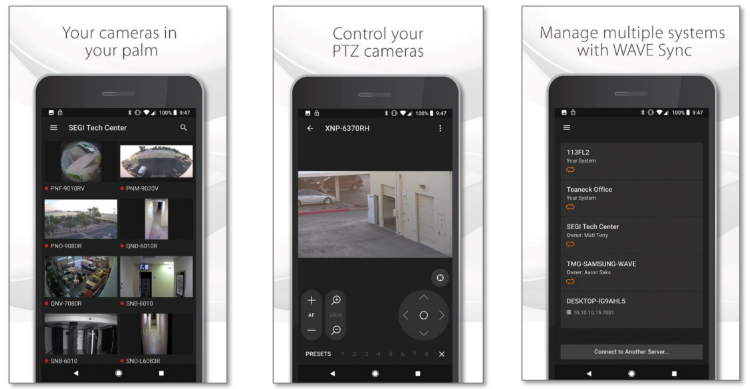
The WAVE mobile app is a genuine operator console in your pocket — not a stripped-down viewer:
- Live layouts on your phone, matching your saved desktop layouts
- Push notifications the moment an event fires, with a tap-to-view jump
- PTZ control from the phone — pan, tilt, zoom, presets
- Two-way audio — talk through the camera to deter or assist remotely
- Playback, bookmarks & clip sharing — review and share evidence from anywhere
Remote connectivity comes from WAVE Sync — no port forwarding. For connecting straight to a single camera or NVR without a WAVE system, use the separate Wisenet Mobile app.
3. Video wall: the control-room view
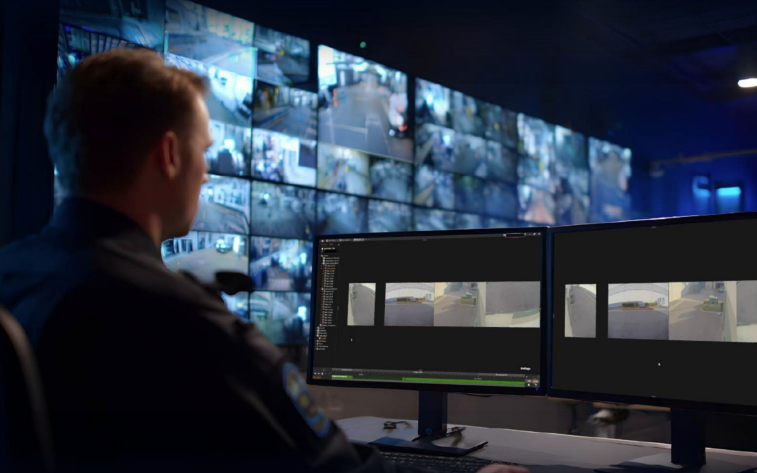
A video wall is a dedicated display cluster — typically a wall of monitors — driven by WAVE's video-wall components: a video wall server feeding one or more processors, with a controller that decides what appears where.
Operators push layouts to the wall from their client, or rules do it automatically — a detected event can throw that camera onto the wall instantly. Each wall monitor can hold its own layout, and walls can span multiple monitors.
Wall licensing is per two monitors, with failover protection included. Combined with GPU decoding, one wall workstation stays smooth with dozens of HD streams active.
4. NVIDIA GPU decoding
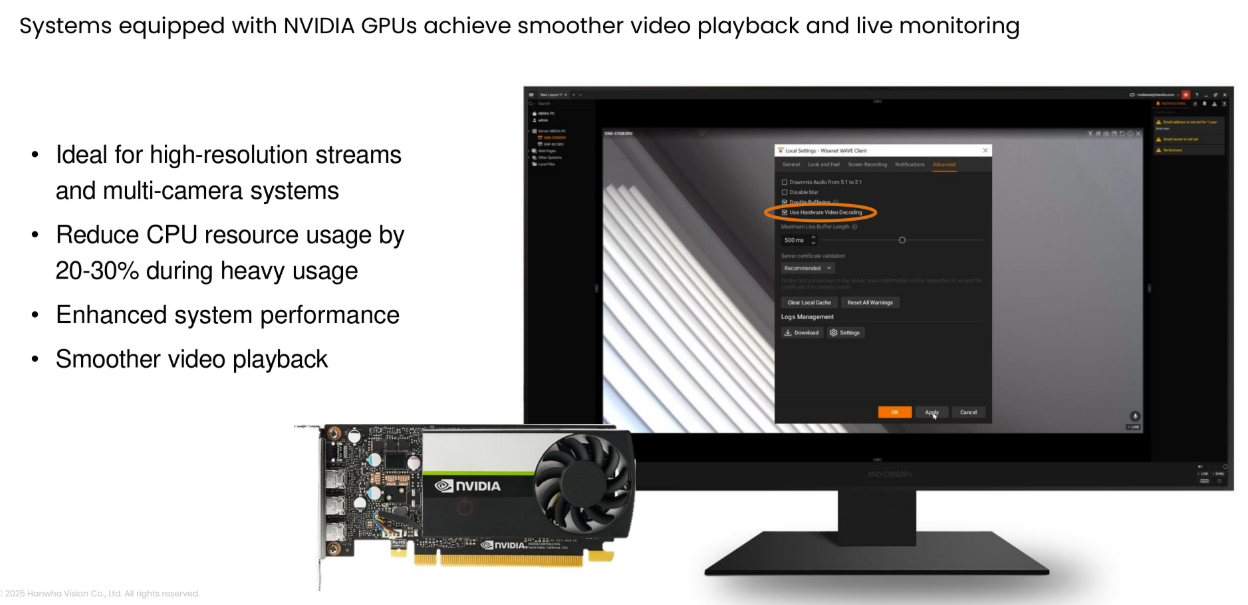
Decoding video is the heaviest thing a monitoring workstation does. WAVE can offload H.264/H.265 decoding to NVIDIA GPU hardware (Windows and Ubuntu; Intel GPUs on Windows), which dramatically increases how many simultaneous high-resolution streams one client — or one video wall — can display smoothly. It's the difference between a control room that scales and one that stutters.
5. Dual-stream efficiency
WAVE leans on each camera's two streams: it records the high-quality main stream while clients view the lightweight sub stream. Configurable per camera, this is why a WAVE system stays responsive with many live viewers — and why remote viewing over modest links remains usable. The full explanation lives on the recording & storage page.
6. Two-way audio: talk-down from the client
On cameras with audio capability (Hanwha and supported ONVIF models), operators can speak through the camera directly from the desktop or mobile client — "you in the blue jacket, this area is under video surveillance and you are being recorded." Talk-down resolves most trespass moments before they become incidents, and pairs with soft triggers for one-click responses.