1. The cloud apps
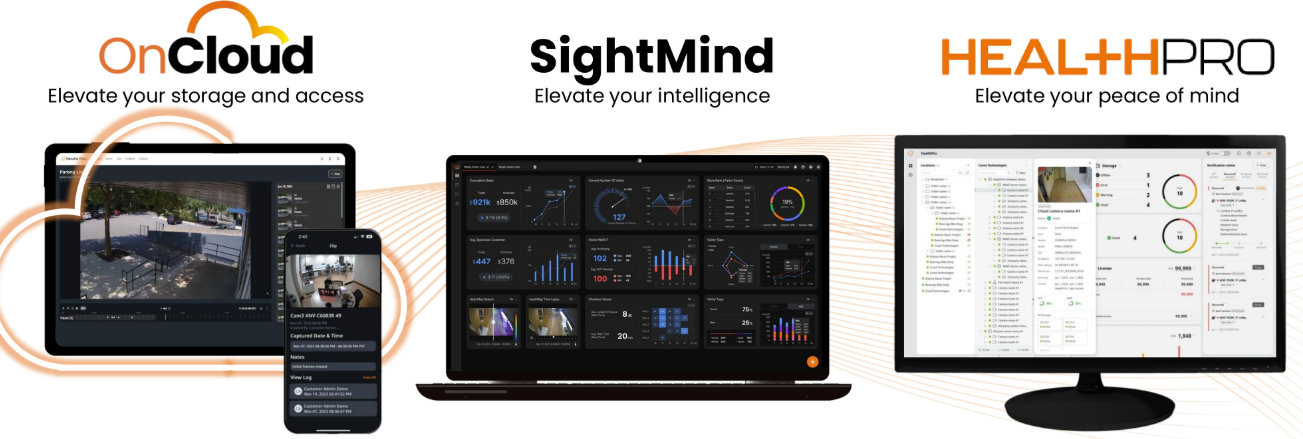
SightMind
Hanwha's cloud analytics dashboard: takes the AI metadata your cameras already produce — people counts, queue data, heatmaps, vehicle stats — and turns it into live KPI boards and reports. Security and operations on one screen, no on-prem analytics server.
HealthPro
Cloud health monitoring for entire fleets (scales to thousands of sites): camera/recorder status, disk health, firmware versions, remote configuration, even PoE reboots — with weekly reports. Catches dead cameras before customers do. Connects Hanwha plus other ONVIF brands via a small on-prem bridge.
OnCloud
Hanwha's camera-to-cloud VMS: video and events from supported cameras flow to a clean cloud interface with edge + cloud storage options. Simple deployments without a local recorder, and an easy bridge (CloudConnector) for third-party cameras.
Cloud services complement — not replace — the on-prem systems described in WAVE and NVRs. We recommend them based on each site's connectivity and compliance needs.
2. DesignPro & the WAVE System Calculator
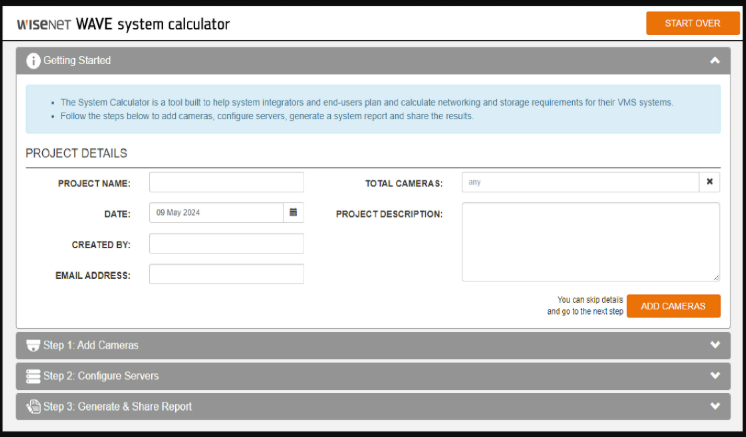
Before a single camera is ordered, the system should exist on paper. Hanwha's free web tools do the math:
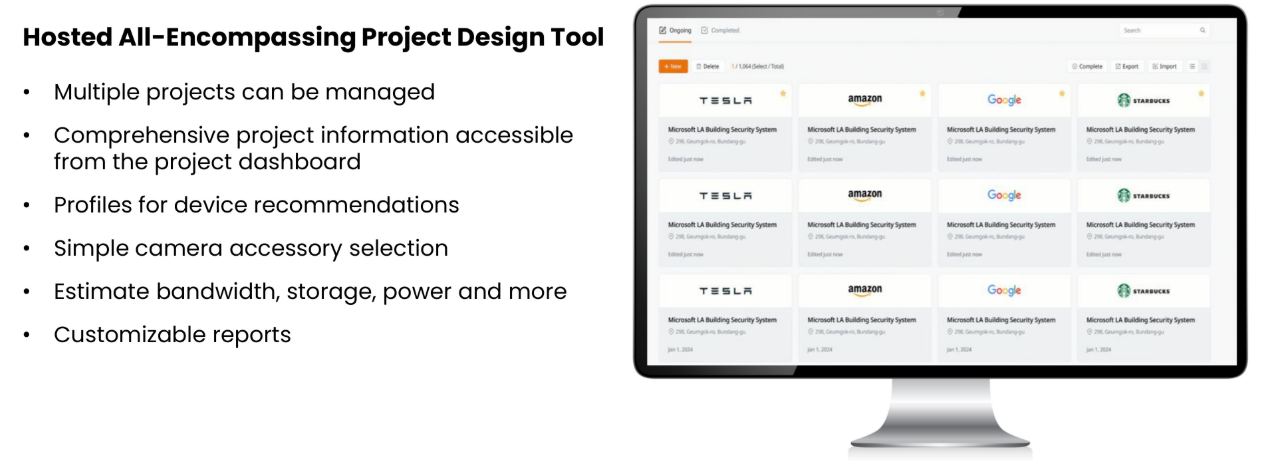
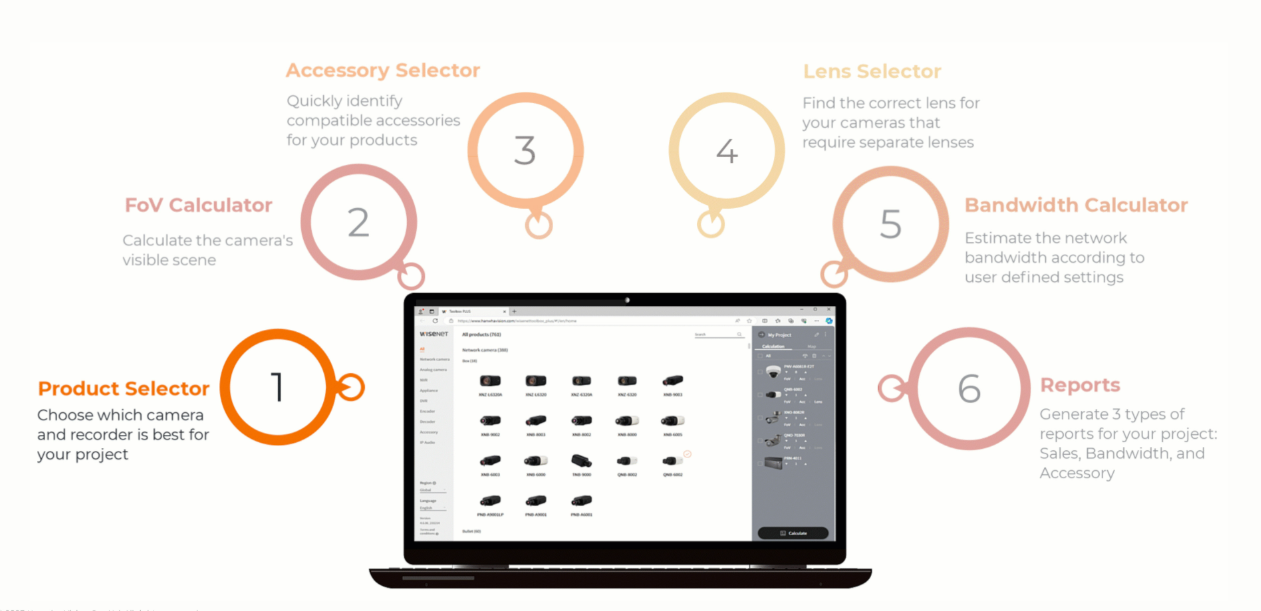
- DesignPro (designpro.hanwhavision.cloud) — the current all-in-one design tool: place cameras on a 3D site map, simulate each lens's field of view, and it calculates PoE budgets, bandwidth, and storage — then produces a bill of materials and quote-ready report.
- WAVE System Calculator — quick storage/bandwidth sizing for WAVE systems: cameras, resolution, frame rate, compression, retention days → required disk and bandwidth.
This is where retention planning and lens selection get decided — with numbers, not guesses.
3. Installation simulator
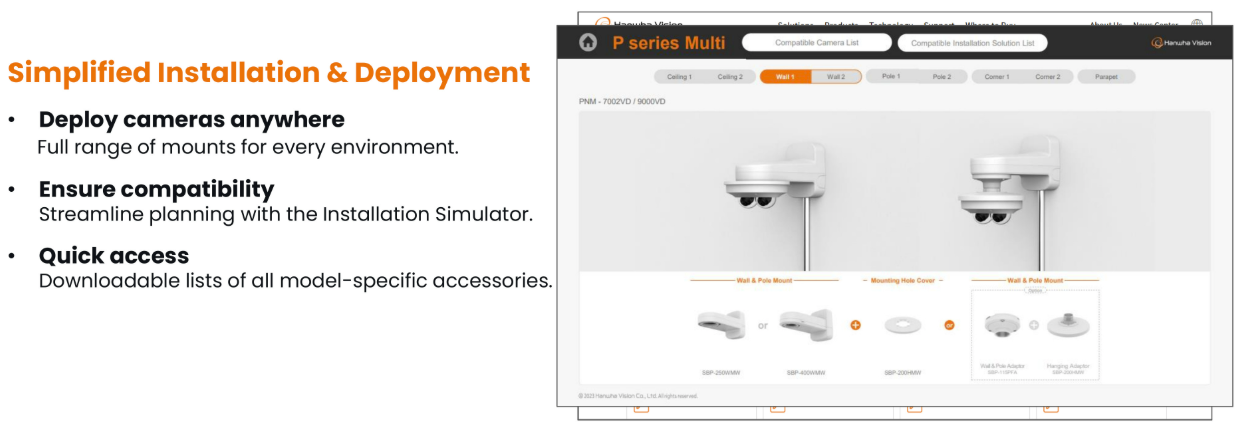
Hanwha's interactive installation simulator shows what a camera will actually see before mounting: pick a camera model and lens, set mounting height and angle, and preview the resulting coverage — including identification distance. Combined with best installation practices, it's how we avoid "we should have aimed it lower" conversations after install day.
4. ConfigPro & Wisenet Device Manager
Managing one camera by hand is fine; managing forty is not. Hanwha's fleet tools handle bulk work:
- ConfigPro — the current generation tool: server-client bulk configuration and firmware updates across entire fleets of cameras and recorders.
- Wisenet Device Manager — the long-standing free desktop utility: discover devices, set IPs in bulk, push firmware, back up and restore configurations (handy before any camera swap).
For managed customers this runs quietly in the background of our service — firmware stays current (see signed firmware), configs are backed up, and replacements are minutes instead of hours.
5. Wisenet Viewer (free desktop client)
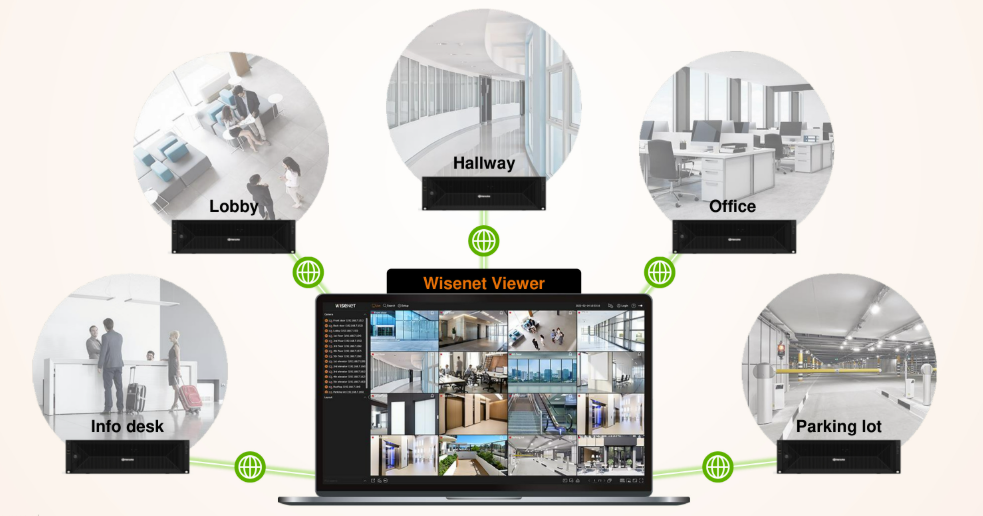
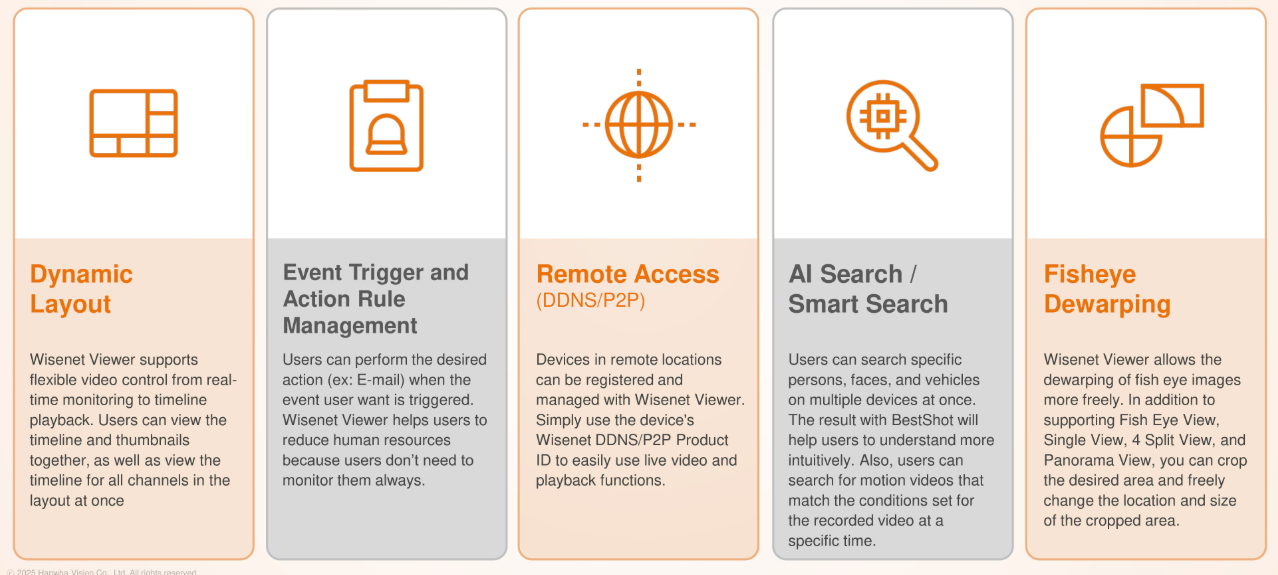
Wisenet Viewer is Hanwha's free desktop client for direct recorder access — Windows, macOS, and Ubuntu. Its party trick is connecting to multiple NVRs (and WAVE servers) at once: one window, live view and playback across every recorder on the property or the whole portfolio.
When it's the right tool: small sites without a full VMS, mixed fleets, or a manager who wants free software rather than a full WAVE deployment. Includes DDNS/P2P direct connection, layouts, and core playback/export features.
6. Wisenet Mobile — direct connection app
Hanwha ships two phone apps, and it's worth knowing which is which:
- WAVE Mobile — for full WAVE systems: push alerts, layouts, PTZ, two-way audio. See the operator tools page.
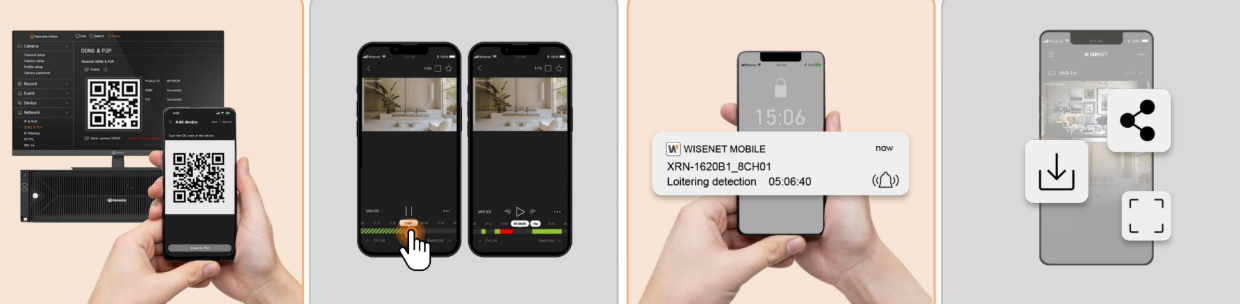
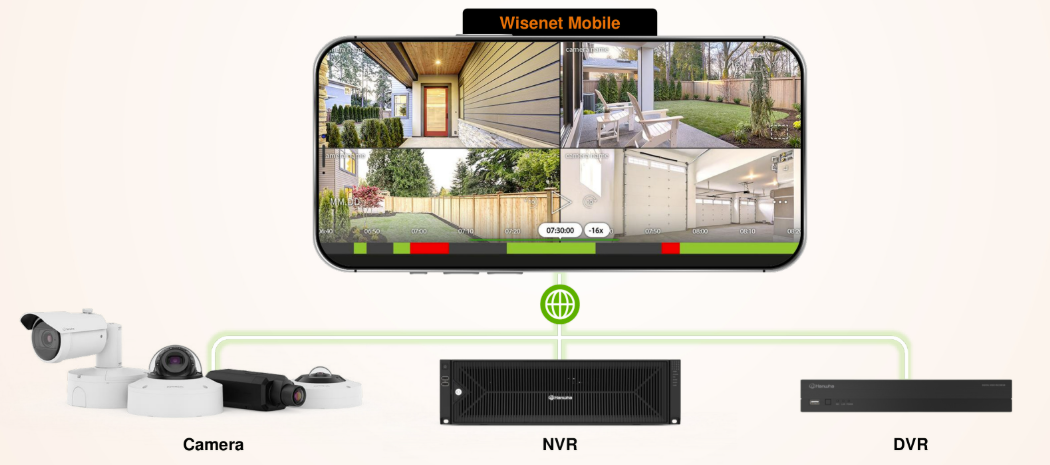
- Wisenet Mobile — connects directly to Hanwha cameras and NVRs (no VMS required): live view, playback, PTZ, and push alerts from supported recorders.
For a single-site, recorder-based deployment, Wisenet Mobile + a free client may be all a customer needs — a good example of the platform staying useful at the smallest scale.